
NFC tag
Use any NFC tag you buy yourself
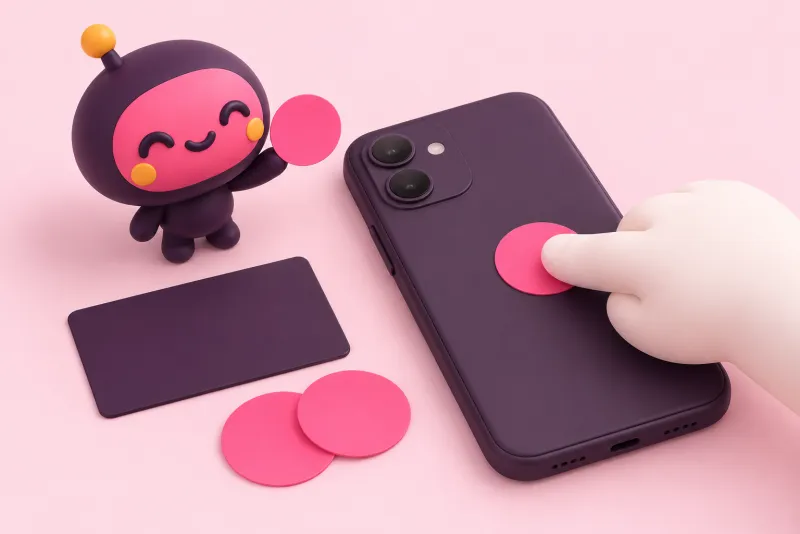
Write your card's URL to an NFC sticker or card from any shop and it becomes your business card. No special card to buy.
How NFC tags workKizunatap
They photograph their paper card and the exchange is done. Their card reaches you by email, ready to manage.
Your card page opens on their phone, they photograph their own card and send it back to you.
Cards for every kind of work, on one page
Four things
NFC tag
Write your card's URL to an NFC sticker or card from any shop and it becomes your business card. No special card to buy.
How NFC tags workManaged by your AI
Issue an API key and the AI agent you already use can update your card and work with the contacts you exchanged.
See integrationsPortfolio
Add a short intro and links to your work. Whoever gets your card sees what you do right there.
For freelancersExchange
They just photograph their own paper card. AI reads it, they check it and send, and their card reaches you by email and goes into your contacts.
See card featuresThey don't need an app to receive it, and their card stays with you.
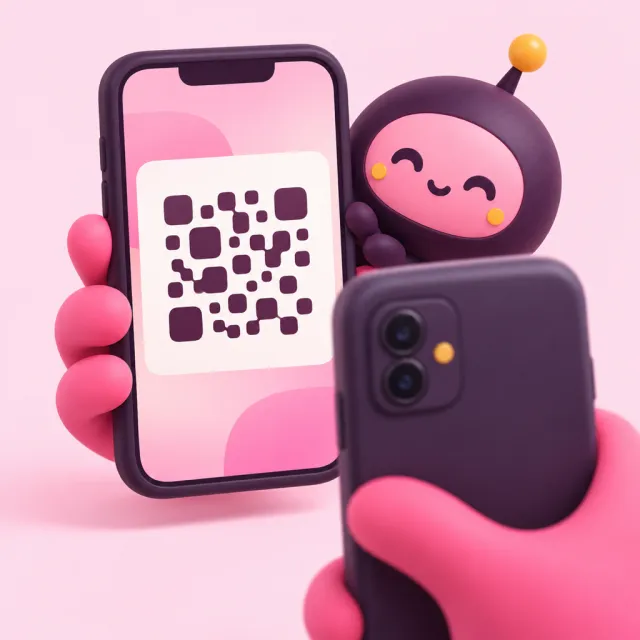
They scan the QR on your screen with their camera.
They hold their phone to your tag and your card opens.
Send your card by email, even to people you haven't met yet.
The card of everyone you exchange with arrives by email and is ready to sort in your dashboard.
Integrations
Issue an API key and your own AI agent can use it.
REST API, MCP and a CLI (meishi). You issue API keys in your dashboard.
See integrationsAn official skill and plugin you can add to Claude Code and Codex.
See the skill and pluginFor companies
With Business, every member gets everything in Pro. Share contacts across the company and get one bill.
See plans for companiesEveryone on the company account works from the same contacts.
Add and remove members and set their roles.
Seats are billed together to the company.
SSO, your company domain, invoice billing and more. Talk to us for 50+ seats.
Card pages and exchanges stay free. Go Pro only when you want more from your contacts.
Free
$0
Unlimited card pages and exchanges
Pro
$9.99/ mo
Billed yearly: $7.33 / mo (save 27%)
Unlimited contacts, bulk card import and automatic thank-you emails.
Business
$6.99/ seat / mo
Billed yearly: $4.99 / seat / mo (save 29%), 3‑seat minimum
For companies: share contacts across your team.
Enterprise
Contact us
For 50+ seats
Try Pro free for 7 days. No card required.
See all plan detailsNo. You and the other person both use the phone's browser.
Your card page and exchanges are free forever. Pick Pro only when you want more from your contacts.
Any NFC sticker or card that can store a URL (such as NTAG213) works. You can write it with your phone.
Issue an API key on your dashboard and add it to the AI agent you use (Claude Code, Codex and others).
They go into the card owner's contact management and are used only for the exchange: follow-up, scheduling a meeting and saying thanks.
Yes. The screens switch between Japanese and English.
All you need is an email address. Your card page is ready right away.