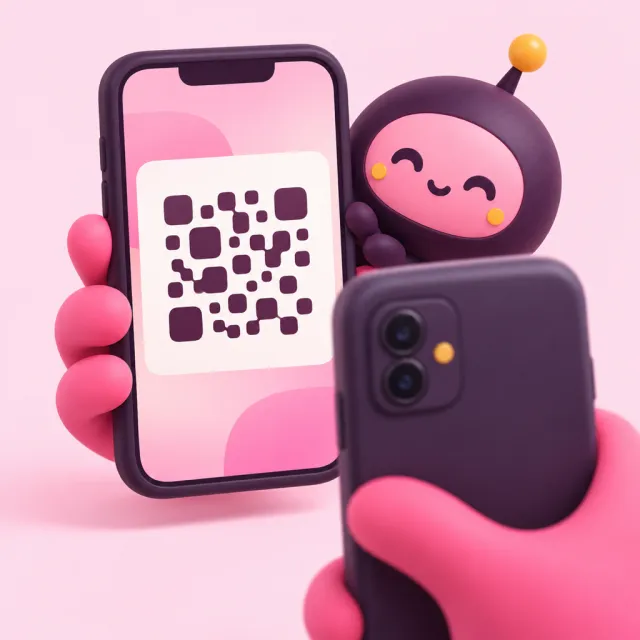
Photo exchange
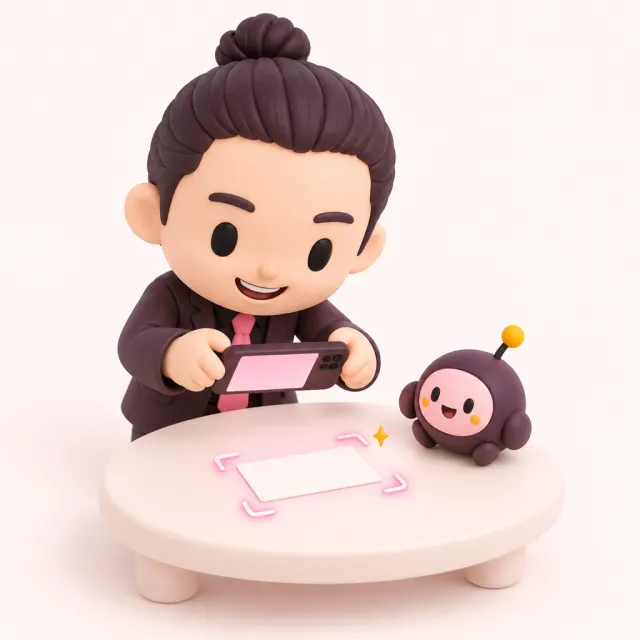
They just photograph their own card
AI reads the card, they check it and send. No app needed on their side. Their card goes into your contacts, where you can add notes and search.
Digital business card
They open your card page from a QR code or NFC tag, then photograph their own paper card. Their card reaches you by email and goes into your contacts.
Start free with just your email. No app, no password.
What it does
Photo exchange
AI reads the card, they check it and send. No app needed on their side. Their card goes into your contacts, where you can add notes and search.
Profile page
Arrange blocks such as an intro, links, booking, a gallery and social links. Four templates: basic, simple, portfolio and booking. Images are the ones you upload yourself.
NFC and QR
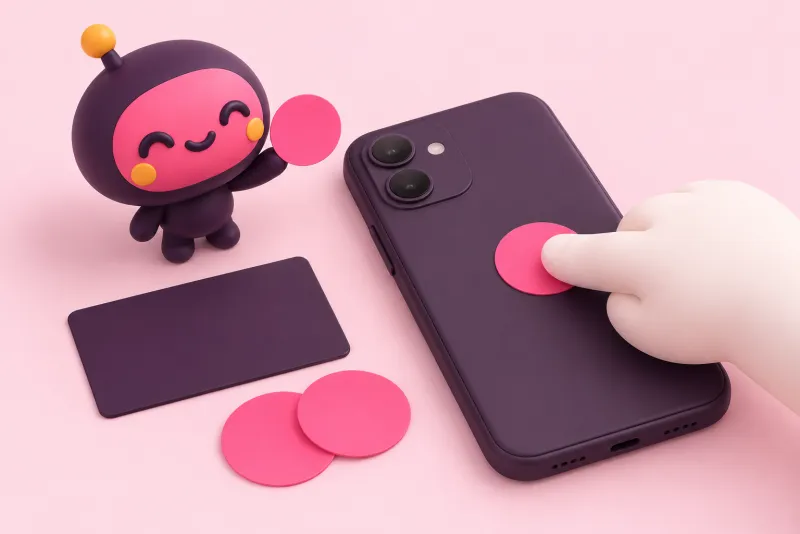
Write your card URL to a shop-bought NFC sticker or card (such as NTAG213). Writing works from Chrome on Android; iPhones can read the tag.
How NFC tags workSend by email
Send it one recipient at a time from your dashboard or your own card page. It is free.
Three steps, and you can hand it out today.
Enter your email and open the link we send. No password.
Photograph your paper card. We read your name and contact details and build your card page.
Your card opens on their phone. When they photograph their own card, it reaches you by email.
They don't need an app to receive it, and their card stays with you.
They scan the QR on your screen with their camera.
They hold their phone to your tag and your card opens.
Send your card by email, even to people you haven't met yet.
The card of everyone you exchange with arrives by email and is ready to sort in your dashboard.
No. You and the other person both use the phone's browser.
On your card page they photograph their own paper card. AI reads it, they check and send, and it reaches you by email.
Any shop-bought NFC sticker or card that can store a URL (such as NTAG213). You write it from Chrome on Android.
An intro, links, contact details, booking (Cal.com, Calendly, TimeRex or a Google booking page), a gallery, social links and more.
No, it is free. You send to one recipient at a time, and the message cannot contain URLs.
Yes. They get their own card page and management page for free, and can delete them at any time.
All you need is an email address. Your card page is ready right away.